
 MOCKO


Four People, One App: Who Uses Mockups
Four illustrative examples, from an online T-shirt seller to a coffee shop owner, showing how different small businesses can use mockups to show a design before it exists.

On this page
Mockups aren't only for designers with a big Photoshop setup. Anyone who needs to show a design before it's made can use them: people who sell products, people who approve them, and people who print them.
Below are four illustrative examples. The people and brands are made up, but the workflows are typical of how small businesses and freelancers use mockups, and how they might use MOCKO, our free iPhone app for PSD mockups, when they're away from a computer. All product images in this article were rendered with MOCKO using example designs.
1. The online T-shirt seller
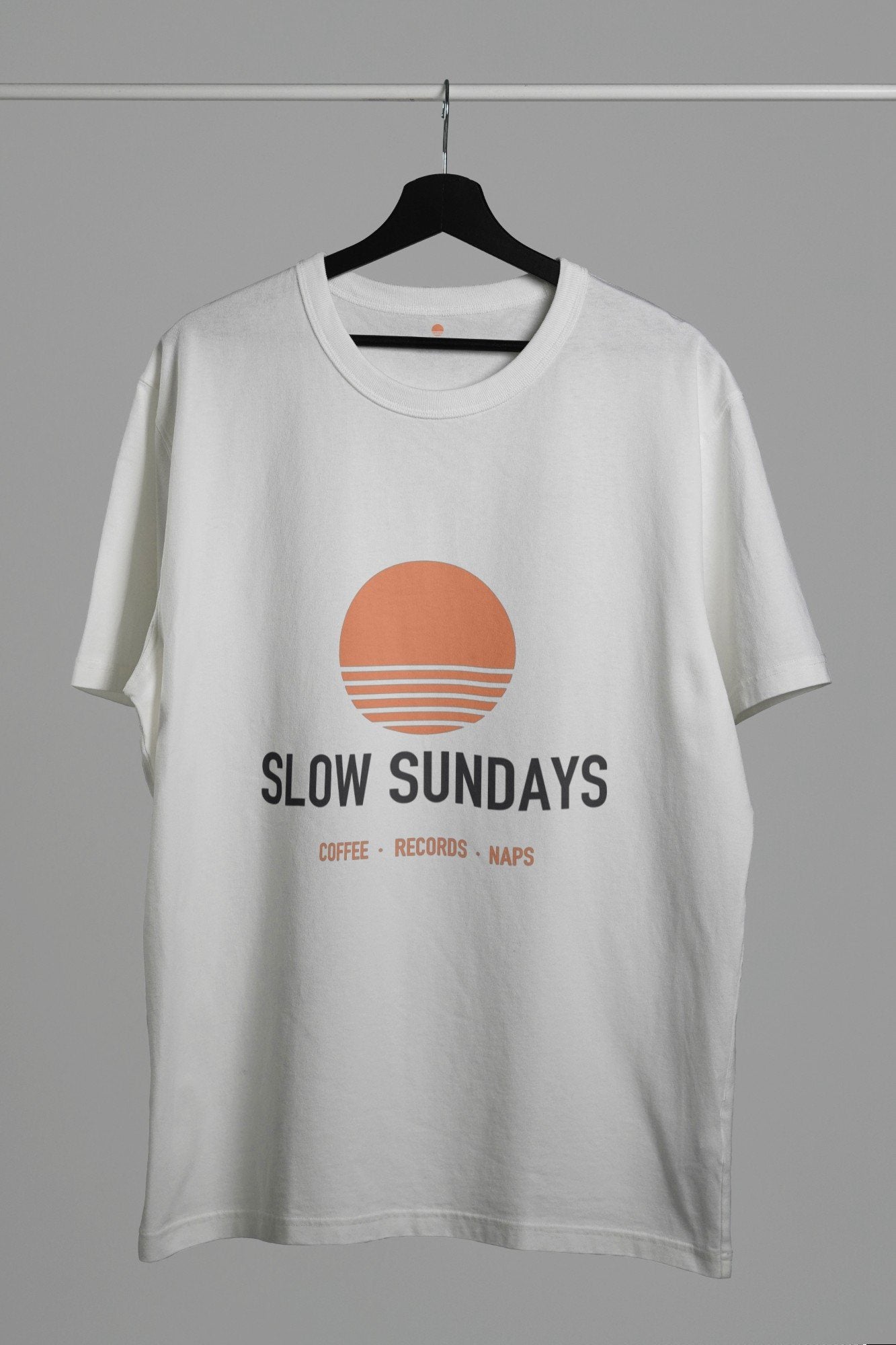
Who: someone who designs prints in the evenings and sells T-shirts and totes through an online marketplace with a print-on-demand partner.
The problem: every new design needs four or five listing photos. Ordering samples for each one is slow and expensive, and many designs never sell enough to justify it.
How they might use mockups: once a print is finished, they open a T-shirt mockup on their iPhone, drop in the PNG, export a hanging shot and a close-up, then repeat with a black tee and a tote. The photos go straight from Photos into the new listing. A design finished after dinner can be on sale the same evening.
For a full walkthrough of this workflow, see product photos for your online shop without a photo shoot.
2. The freelance brand designer
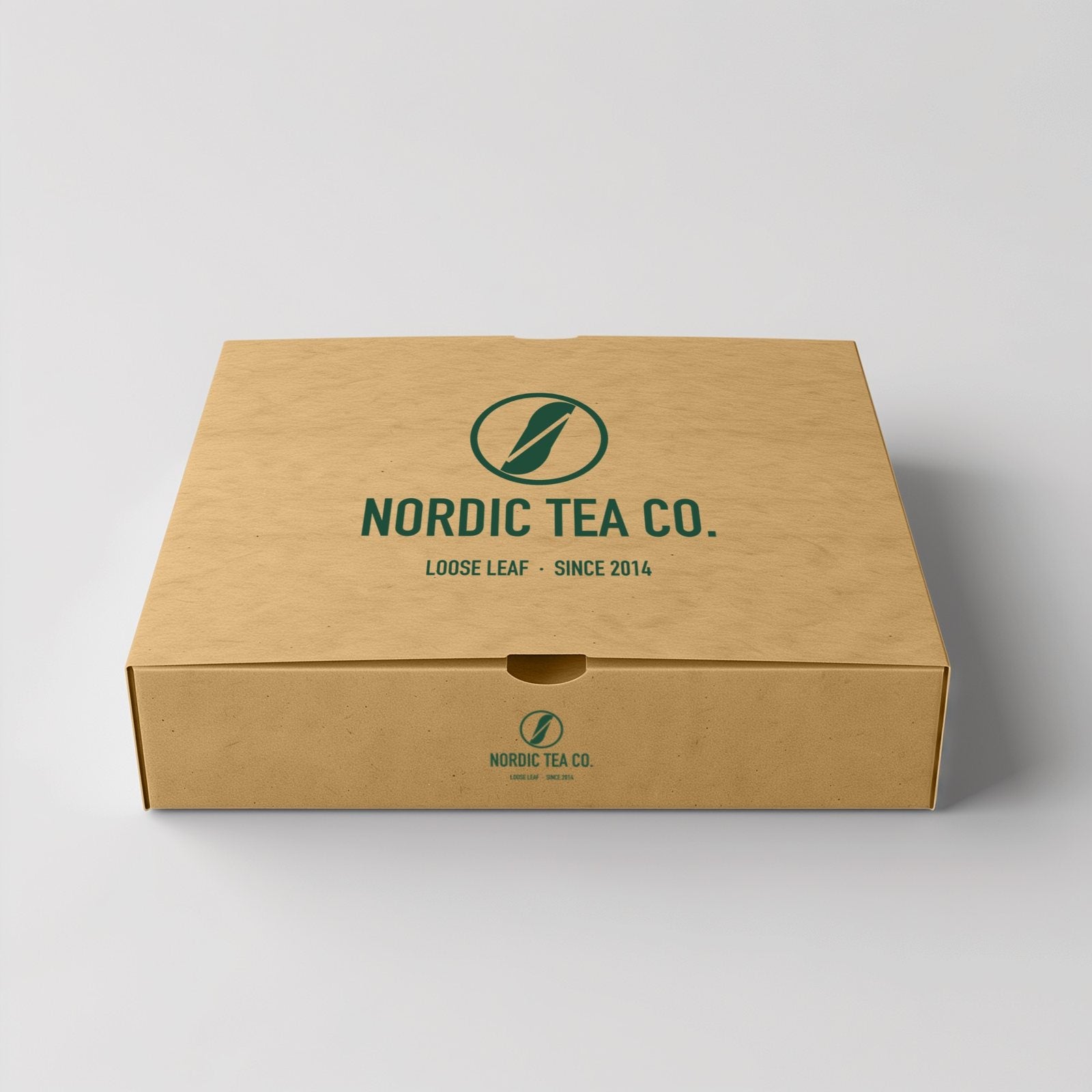
Who: a freelancer who makes logos and packaging for small food and drink brands.
The problem: clients don't want to read a logo on a white page. They want to see it on the box, the cup and the bag, and they often ask for a quick change at the worst possible moment, like on a weekend away.
How they might use mockups: the designer keeps the client's packaging mockups as saved projects in MOCKO. When the client asks for a new color, they open the project, swap in the updated logo, export and email the image within minutes, without opening a laptop.
3. The print shop owner
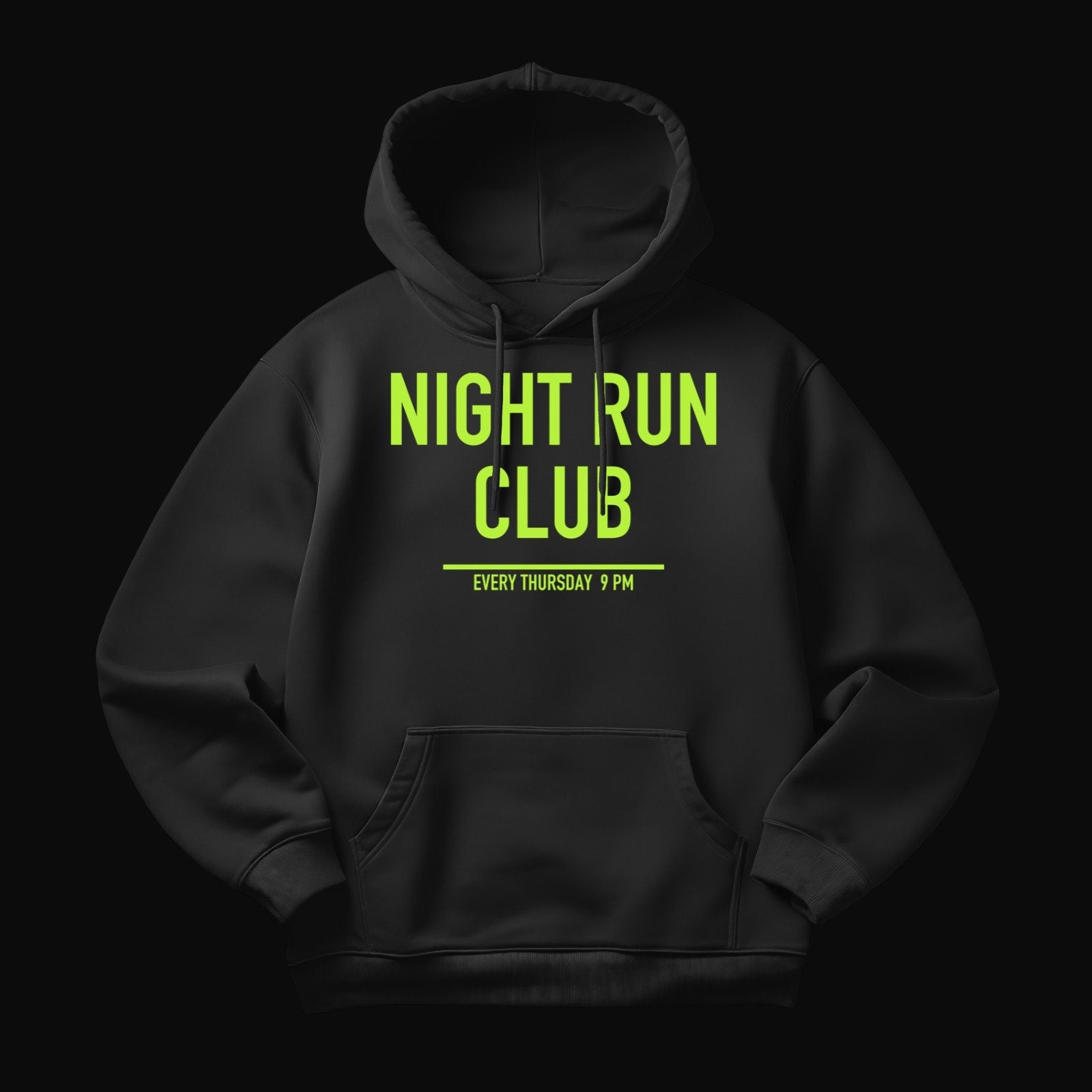
Who: someone who runs a small screen-printing and embroidery shop and makes merch for local clubs, teams and events.
The problem: customers send a logo and say "just put it on a hoodie". If the size or color is wrong, the whole batch has to be reprinted, which costs the shop time and material.
How they might use mockups: before printing, the owner places the customer's logo on a hoodie or bottle mockup on their phone, right at the counter, and sends the image for approval in a message. The customer sees exactly what they're ordering, approves it, and the shop prints once.
4. The coffee shop owner
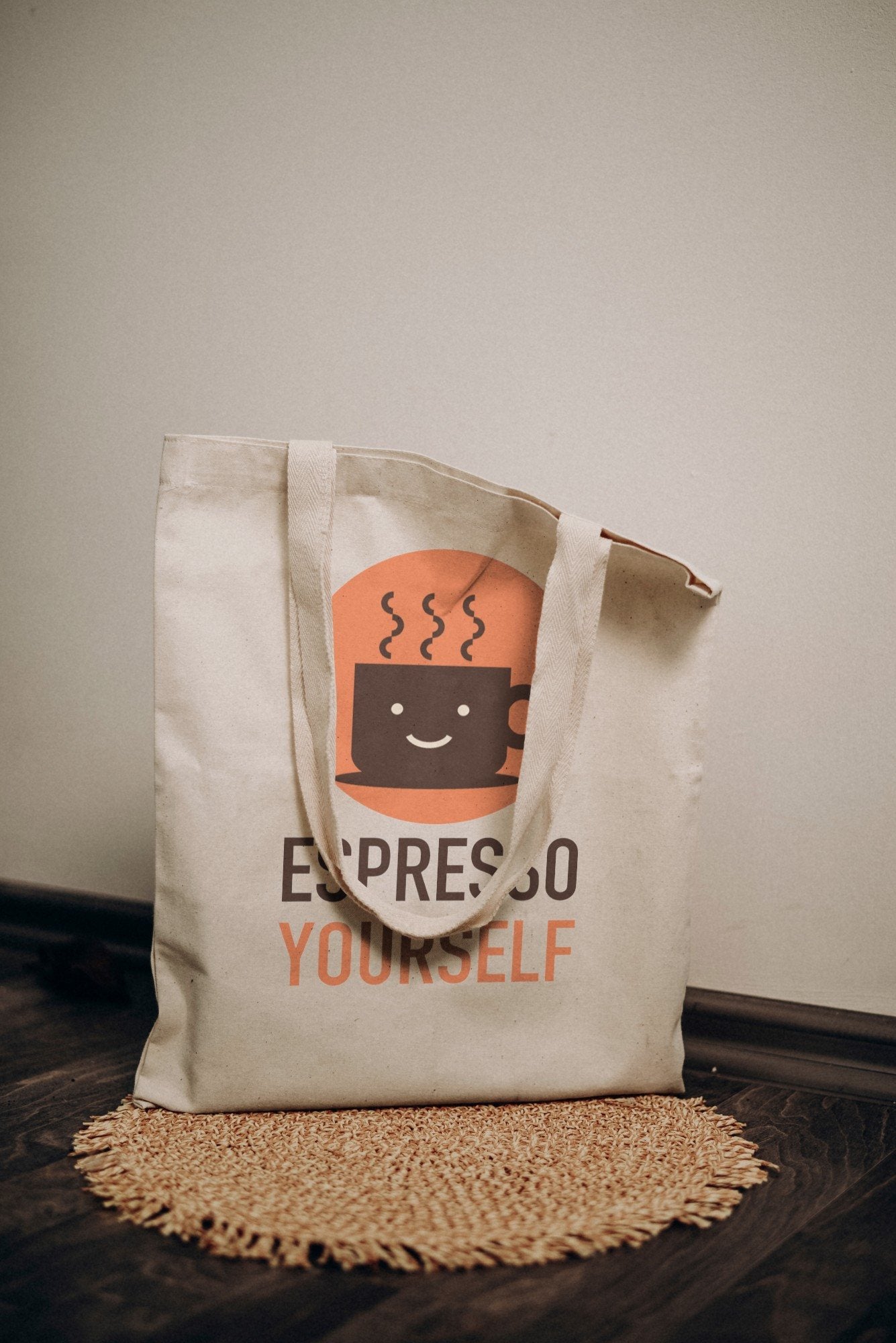
Who: the owner of a neighborhood coffee shop who wants to sell their own merch: tote bags, tees and maybe mugs.
The problem: they're not a designer and don't have Photoshop, but they want to test which items customers like before ordering a batch, and they need photos for social media.
How they might use mockups: they put their logo on a tote and a tee from MOCKO's library, post the images to their social accounts and ask followers which one they'd buy. Then they order only the item people actually want, and reuse the same mockups to announce it.
What these examples have in common
- They need to show something before it exists. A product before it's printed, a logo before it's approved, merch before it's ordered.
- Speed matters more than perfection. A realistic image today beats a perfect photo shoot next month.
- They work away from a desk. At the counter, on the couch, on a trip. The design file is already on their phone, so the mockup can be too.
- They reuse the same scenes. One good mockup becomes a template for many products, clients or posts.
- They keep it honest. The mockup shows the real product type, color and print size, so what customers approve or buy is what they get.
Where to start
Pick the example closest to your work and try it with one real design:
- Selling apparel? Follow how to make a T-shirt mockup without Photoshop.
- Have PSD mockups already? Learn how to open PSD files on iPhone.
- Prefer Photoshop? Start with how to use a PSD mockup.
- Presenting an app? See how to present a mobile app using PSD mockups.
FAQ
Are the people in this article real customers?
No. They're illustrative examples based on common ways people use mockups. The brand names on the products are example designs, too.
Do I need design skills to use mockups?
Not really. If you have a logo or design file, placing it into a mockup takes a few taps. The mockup provides the scene, lighting and realism.
What kinds of products can I show?
Anything there's a mockup for: phones and laptops, T-shirts, hoodies, tote bags, packaging, bottles, mugs and more. Browse all our PSD mockups to see what's available.
Keep reading

Product Photos for Your Online Shop Without a Photo Shoot
Which photos every product listing needs and how small sellers can make them from mockups, without samples, studios or a photographer.

How to Make a T-Shirt Mockup Without Photoshop
A step-by-step guide to putting your print on a realistic T-shirt mockup using only your iPhone, plus tips for mockups that look like real...

How to Open PSD Files on iPhone
Why PSD files are hard to open on a phone, and how to open PSD and PSB mockups on iPhone with MOCKO, replace the...