
 MOCKO


PSD vs PSB: What's the Difference?
The difference between Photoshop's PSD and PSB formats, when each is used, why smart objects open as PSB, and how to open both on a computer or iPhone.

On this page
You download a mockup and get a .psb file instead of the .psd you expected. Or Photoshop asks you to "Save as Large Document Format". Both are Photoshop files with layers. The difference is size, and which apps can open them.
Short answer: PSD is Photoshop's standard file format, limited to 30,000 × 30,000 pixels and 2 GB. PSB, the Large Document Format, holds the same layers, masks and smart objects but allows documents up to 300,000 × 300,000 pixels and files far larger than 2 GB. Big, high-resolution mockups are often PSB. On iPhone, MOCKO opens both.
PSD vs PSB at a glance
- Full name: PSD is Photoshop Document. PSB is Photoshop Big, also called Large Document Format.
- Maximum size: PSD up to 30,000 px on each side. PSB up to 300,000 px on each side.
- File size limit: PSD up to 2 GB. PSB has no practical limit.
- Features: the same. Both keep layers, groups, masks, adjustment layers, smart objects and effects.
- Compatibility: PSD opens in many apps. PSB is supported by fewer apps.
When to use PSB
Photoshop switches to PSB when a document no longer fits in PSD: very large prints, billboards, panoramas, and mockups with many high-resolution layers and smart objects. If you save a document over 2 GB, Photoshop only offers PSB.
For everything else, PSD is the safer choice because more apps can read it.
Why smart objects open as PSB
When you double-click a smart object in Photoshop, its contents open as a temporary .psb file. That's just how Photoshop stores embedded contents. You edit it, save and close it, and the changes go back into the main document. You don't need to keep that file.
How to open PSD and PSB files
- On a computer: Adobe Photoshop opens both. Some other editors open PSD but not PSB, or only a flattened preview.
- Converting PSB to PSD: in Photoshop, choose File › Save As and pick Photoshop (PSD). This only works if the document is within PSD's limits; otherwise reduce the size or flatten some layers first.
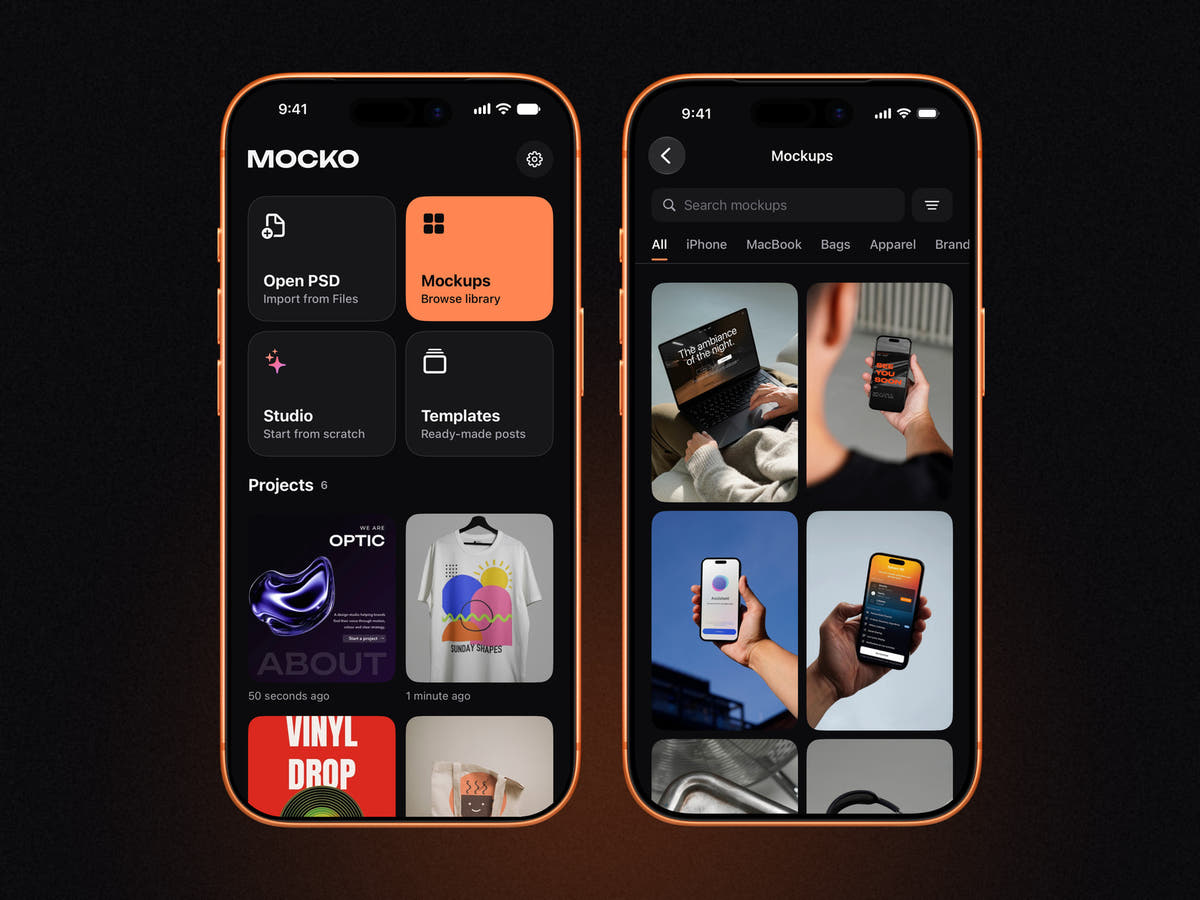
- On iPhone: MOCKO opens PSD and PSB files with their layers and smart objects, so you can replace the design in a mockup and export the result without a computer.
Tips for working with large PSB mockups
- Download first. Big files open faster from the device than from a cloud folder that still has to download them.
- Give it a moment. A PSB of several hundred megabytes takes longer to import the first time. After that, MOCKO opens it from your projects on the home screen.
- Keep your design at a matching size. A 4,000 px smart object needs a 4,000 px design to stay sharp.
- Export only what you need. A 4K export is plenty for product pages and social media, even from a much larger mockup.
FAQ
Is PSB better quality than PSD?
No. Both formats keep the same data at the same quality. PSB simply allows bigger documents.
Can I rename a .psb file to .psd?
No. The internal structure differs, so renaming won't make it a valid PSD. Convert it with Save As in Photoshop instead.
Why are some mockups sold as PSB?
High-resolution mockups with many layers and large smart objects can exceed PSD's 2 GB or 30,000 px limits, so authors save them as PSB.
Can I open a PSB file on iPhone?
Yes. MOCKO opens PSB as well as PSD files, including their layers and smart objects.
Next steps
Read how to open PSD files on iPhone for the full walkthrough, or browse our PSD mockups.
Keep reading

Social Media Post Templates: Make Posts on iPhone in Minutes
How to choose and edit social media post templates on iPhone, keep a consistent feed, save your own templates and turn a PSD into...

What Is a Smart Object? A Plain-English Guide for Mockups
What smart objects are, why every PSD mockup is built on them, how to edit one in Photoshop or on iPhone, and how to...

How to Remove the Background from a Photo on iPhone
Cut out a product or a person on iPhone with the built-in Photos feature or inside MOCKO, refine the edges, and turn the cut-out...